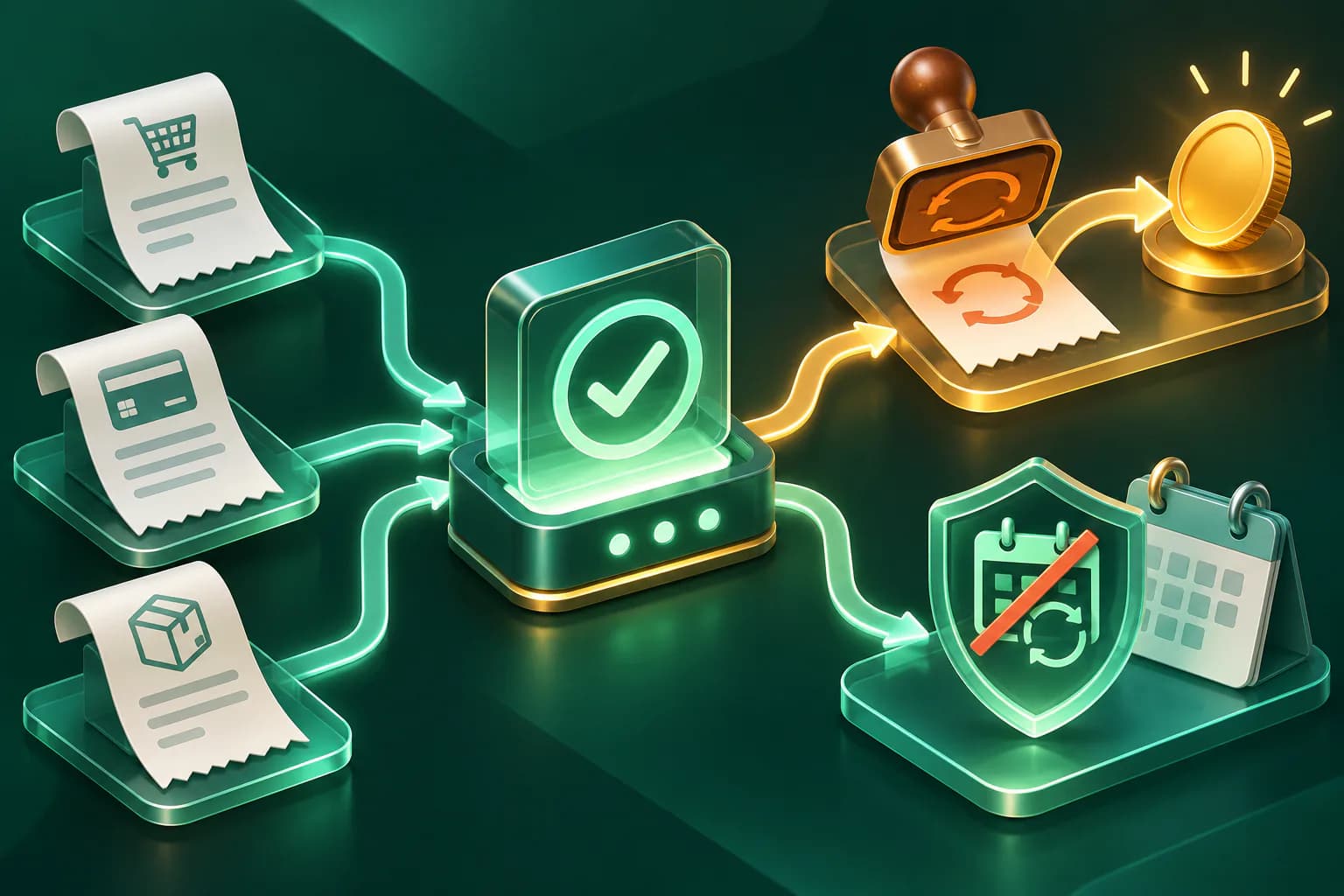
ChatGPT Change Country: Billing, Travel & Access
ChatGPT does not have one country button that changes access, identity and billing together. Those are separate controls, and changing a billing region is not the same task as traveling with an existing plan.
Quick answer
What is the direct answer?
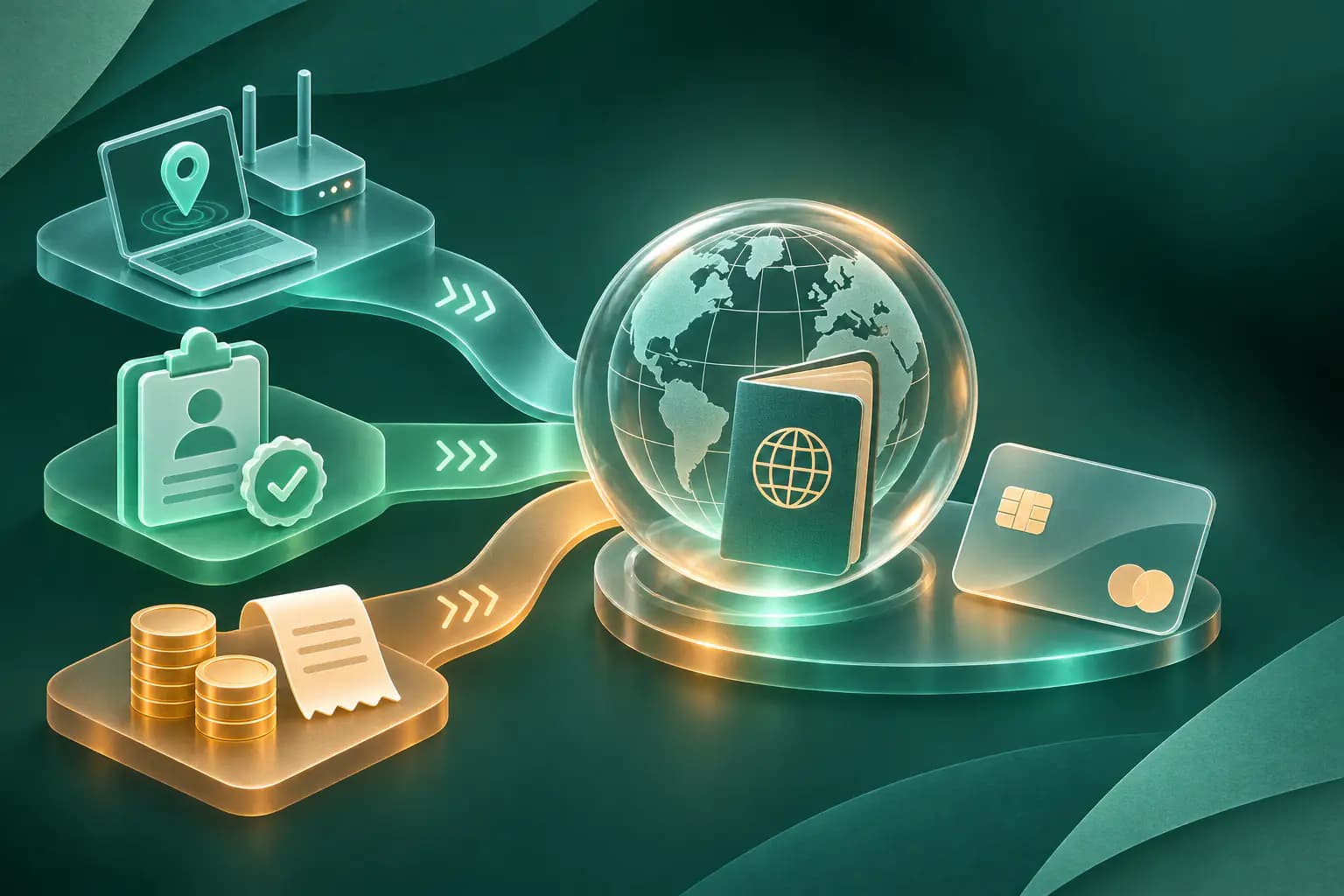
ChatGPT has no single consumer setting that changes every country-related rule. Web access depends on location and account eligibility, while subscription currency follows the payment and billing profile shown at checkout. A VPN changes the apparent network location; it does not change the account or card used for billing. After a permanent move, the safe route is to confirm support, cancel future renewal, wait for the paid period to end, and resubscribe with an eligible local payment method.
Key points before you buy
- Network location, account verification and billing currency are separate layers.
- A VPN does not change the card issuer, billing profile or subscription currency.
- Temporary travel is different from permanently changing a billing region.
- Changing a billing address or Tax ID does not automatically change subscription currency.
- Apple and Google manage store country and subscriptions under their own rules.
- Do not use false addresses or unsupported payment methods to force a region.
Quick links:Prices by country · Payment methods · Cancellation and refunds · Cancel Plus · App Store vs web · Live Plus price
Does ChatGPT have a country setting?
No single consumer country switch controls access, account verification and billing at once. Each layer follows a different system and may reveal a different country or eligibility result.
The first useful step is to identify which layer is causing the problem. A page that will not load, a sign-in verification loop, and a subscription currency that remains in the old region are different failures.
Do not change payment, phone or location details speculatively. Each change can affect account recovery, tax presentation, renewal or fraud checks. Fix the layer that actually blocks the task and leave the others accurate.
| Layer | What it controls | What changes it | Common mistake |
|---|---|---|---|
| Network location | Whether ChatGPT can be reached from the current connection | The network or IP being used | Assuming a VPN also changes billing |
| Account verification | Sign-in, phone or identity checks tied to the account | Accurate account recovery and verification details | Using a mismatched number or location |
| Billing and currency | Subscription charge, tax context and payment eligibility | The supported payment and billing profile at checkout | Editing an address and expecting a new currency |
| Apple or Google store | Store price, payment methods and subscription ownership | The store account's country, region and payment profile | Trying to manage a store plan in ChatGPT web billing |
Which country checks affect ChatGPT access?
Access can depend on the current network location, whether the country or region is supported, and whether the account and its verification details remain trustworthy.
OpenAI's supported-country page is the current public reference. The list can change, so a screenshot or an old tutorial is weak evidence that a location is supported today.
Account verification is separate from the physical network. If the sign-in flow asks for a phone or another identity check, it is evaluating the account and the verification details supplied, not just the IP address.
Billing is a third check. A supported connection does not guarantee that a particular card, card-issuing country, currency or store account can complete checkout. The live payment screen is the authority for that transaction.
- Check whether the current country or region is listed as supported.
- Confirm you are signing in to the intended account and recovery method.
- For payment problems, inspect the exact card, currency and checkout error.
- Do not assume the three checks use the same stored country value.
Does a VPN change your ChatGPT billing country?
No. A VPN can change the apparent network route, but it does not change the payment method, card-issuing country, subscription currency or store account region.
The billing profile and payment method still belong to the same account. Switching network routes cannot turn a card from one country into a locally issued card, and it cannot change an active Apple or Google subscription's store region.
Using a VPN to misrepresent an unsupported location or payment situation is not a safe workaround. OpenAI says unsupported access or unsupported payment methods can lead to blocks or suspension, so saving a lower price or bypassing a checkout control is not worth the account risk.
A VPN may still be part of a legitimate privacy or network setup, but it should not be treated as a billing-region control or as a way to manufacture eligibility.
What should you do while traveling?
Keep the existing subscription and use accurate account details. Temporary travel usually does not require canceling and changing the billing region.
If the destination is supported and the existing subscription works, leave the plan in its current billing country. Canceling mid-cycle because of a trip can add billing complexity without changing the underlying account.
If access fails in an unsupported country or region, avoid creating a false billing identity to repair it. OpenAI warns that access from unsupported locations can affect the account. Review the current supported-country guidance and wait until access from a supported location is possible.
OpenAI notes that an unsupported-country error may persist after returning home because the device connected to the internet in an unsupported region. Clear the browser cache and cookies, then try a different browser or an incognito window before assuming the subscription is broken.
If the account still cannot use the service after returning, contact OpenAI Support. Support can help with subscription cancellation if access remains impossible; do not send a password, one-time code or complete payment-card number.
How do you change billing country after moving?
The safe sequence is to confirm support and local payment eligibility, cancel future renewal, wait for the current paid period to end, then resubscribe through the correct checkout with accurate local information.
There is no general web control that guarantees a currency change while preserving an active subscription. The supported payment profile and live checkout decide what can be purchased.
Do not cancel before confirming that the new payment route is eligible. A canceled plan plus a payment profile that cannot complete checkout leaves the account without paid access.
Do not use a false billing address, borrowed card or unsupported VPN region to imitate a local customer. Those tactics can break renewal and account verification and may violate OpenAI's terms.
- 1Confirm the new country or region is supported by the relevant ChatGPT, Apple or Google billing route.
- 2Obtain a legitimate payment method and billing profile from the new country or region.
- 3Review the current renewal date and decide whether to wait until the paid period ends.
- 4Cancel the existing subscription through the platform that owns it.
- 5Keep the account signed in and wait for the current paid access to end if necessary.
- 6Start a new subscription on the correct route and confirm the currency, tax and next charge before paying.
- 7Verify the active plan, currency and renewal date after checkout.
Does changing your billing address change currency?
Usually not by itself. A billing address, Tax ID or VAT ID updates the information attached to a payment profile; it does not guarantee a different subscription currency or regional price.
Address, tax and currency are related at checkout but are not the same field. Correcting a postal code or company name is different from proving a new payment method and entitlement to a different local billing profile.
For invoices, update billing information before the next charge. For an issued document, request a review through the correct billing platform, but remember that a reissue is not guaranteed.
If the account still renews in the old currency after an address update, do not invent another address. Identify the current billing owner and confirm what currency and payment method the platform considers active.
Do chats and projects disappear after changing region?
No ordinary cancellation or resubscription should require deleting the ChatGPT account. Chats, projects and settings remain tied to the account.
Cancellation stops the future renewal; it does not normally erase account history. A later subscription is applied to the same identity, so deleting the account is not part of a safe region-change workflow.
Do not create a new account just because the region is changing. A second account starts without the original chats, projects, custom instructions or billing history, and it can make duplicate subscriptions harder to untangle.
For an Apple or Google store subscription, keep the same ChatGPT account but manage the store plan through the store account that owns the purchase. The ChatGPT login and the store billing account are separate identities.
How do Apple and Google country changes work?
Apple and Google control the store region, local price and store payment method. ChatGPT web billing cannot directly convert those subscriptions to another store country.
For Apple, the Apple Account's Country/Region setting controls the storefront. Apple requires users to spend remaining balances, cancel subscriptions that block a country change, wait for the subscription period to end and have a valid payment method from the new region before completing the change.
For Google Play, the Play country must be set while physically in the new location and with a payment method from that country. Google currently requires at least 90 days between Play country changes, and existing subscriptions remain on the old payment profile until canceled and repurchased under the new profile.
Apple and Google can also make content or subscriptions unavailable in the new region. Confirm ChatGPT availability and the store checkout before ending the old plan.
What if ChatGPT is unsupported in your new country?
Do not pretend to be in a supported location to create or maintain access. OpenAI warns that unsupported access and unsupported payment methods can cause account blocking or suspension.
Check the official supported-country page for the current location and payment rules. If the new location or payment method is unsupported, a VPN, virtual number or false address is not a compliant long-term solution.
Keep your account and recovery information secure. If access is no longer possible, contact the billing platform or OpenAI Support about cancellation rather than deleting the account or sharing credentials.
A GPT Pricing direct top-up can apply an eligible monthly plan to the buyer's existing account, but it does not change the account's billing country, create local eligibility or guarantee access from an unsupported location. It is a separate payment service, not a region workaround.
What is the final safe checklist before changing region?
Confirm the billing owner, current renewal date, supported destination, eligible local payment method and the exact currency before cancelling anything.
A region change is complete only when the active plan, billing owner, currency, tax and next renewal date agree. A screenshot showing a different price is not evidence that the payment can complete.
If the new route is unsupported or the checkout remains unclear, pause before canceling the working plan. Preserve access, contact the billing platform and resolve eligibility first.
- Identify whether web, Apple or Google owns the existing subscription.
- Check the current supported-country and multi-currency guidance.
- Confirm that a legitimate local payment method is ready.
- Save current invoices, receipts, renewal date and account email.
- Avoid VPN, false-address or borrowed-payment shortcuts for eligibility.
- Cancel only through the billing platform that owns the plan.
- Wait for the paid period to end when required, then resubscribe and verify the currency.
- Keep chat history and account recovery under your control.
Live plans
Check current prices and availability
We never hard-code prices in articles. Open a plan page for live availability; a sold-out plan cannot be ordered.
See every planPricing:ChatGPT Go Price: The Cheapest Paid Tier, Topped Up Monthly · ChatGPT Plus Price: Monthly Direct Top-Up Cost
Related pages
These pages read prices and availability live from the product database — use them as the buying entry point for this article.
- Prices by countrySee live prices, availability and the checkout entry
- Payment methodsSee live prices, availability and the checkout entry
- Cancellation and refundsSee live prices, availability and the checkout entry
- Cancel PlusSee live prices, availability and the checkout entry
- App Store vs webSee live prices, availability and the checkout entry
- Live Plus priceChatGPT Plus top-up price and inclusions
Sources and review scope
Plans and features change. The official sources below were checked on the last update date; open them for the current version before buying.
- 1. OpenAI Help Center|ChatGPT supported countries ↗
Official list of countries and regions where ChatGPT is supported.
- 2. OpenAI Help Center|Unsupported countries and territories ↗
Official warning about access, travel and payment methods from unsupported countries or regions.
- 3. OpenAI Help Center|Multi-currency billing ↗
Official currencies, regional payment methods and web-billing scope for ChatGPT subscriptions.
- 4. OpenAI Help Center|Canceling your ChatGPT subscription ↗
Official cancellation paths by billing platform and how paid access continues after cancellation.
- 5. OpenAI Help Center|Updating billing information, Tax ID, and VAT ID ↗
Official rules for updating billing details, Tax ID or VAT ID, and requesting review of an issued invoice.
- 6. Apple Support|Change your Apple Account country or region ↗
Official Apple requirements for canceling blocking subscriptions, clearing balances and changing store country.
- 7. Google Play Help|Change your Google Play country ↗
Official Google Play eligibility, 90-day limit and subscription handling when the store country changes.
FAQ
Is there a ChatGPT country setting in the account?
There is no single consumer switch that changes network access, account verification and billing currency together. Those controls are handled separately.
Does a VPN change my ChatGPT billing country?
No. A VPN changes the apparent network location, not the card, subscription currency or store country. It should not be used to manufacture payment eligibility.
Can I change billing country without canceling ChatGPT Plus?
There is no general control that guarantees a currency change while preserving the active subscription. Confirm eligibility, cancel future renewal when appropriate, wait for the paid period to end and resubscribe through the correct checkout.
Will changing country delete my chats and projects?
No ordinary cancellation or resubscription should require account deletion. Chats, projects and settings remain with the same ChatGPT account.
Can I change my App Store or Google Play country while subscribed?
The store's rules apply. Apple may require blocking subscriptions to be canceled and completed, while Google currently keeps existing subscriptions on the old Play profile until canceled and repurchased under the new country.
What if my new country does not support ChatGPT?
Do not use false location or payment information to create access. OpenAI warns that unsupported access or payment methods can cause blocking or suspension; review current official eligibility first.