How to Cancel ChatGPT Plus: Web, iPhone and Android
Cancel ChatGPT Plus through the platform that owns the billing. Web subscriptions are managed in ChatGPT, Apple subscriptions in Apple settings, and Google Play subscriptions in Google Play.
Quick answer
What is the direct answer?
For a subscription bought on chatgpt.com, sign in and open Settings → Billing, then use the cancellation control under the current plan. For Apple billing, open Settings → your name → Subscriptions → ChatGPT → Cancel Subscription. For Google Play, open Payments & subscriptions → Subscriptions → ChatGPT → Cancel subscription. Uninstalling the app does not cancel the plan. Cancellation stops future renewals and normally leaves access until the paid period ends, but it does not automatically refund the latest charge.
Key points before you buy
- The purchase receipt identifies which platform must process the cancellation.
- Deleting the ChatGPT app does not cancel an Apple or Google subscription.
- A normal cancellation stops future renewal but does not automatically reverse a paid charge.
- Cancel at least 24 hours before the next billing date to reduce renewal overlap risk.
- Keep the confirmation and check that the subscription no longer shows a future renewal.
Quick links:ChatGPT billing help · Live Plus price · Refund policy guide
What is the fastest way to cancel ChatGPT Plus?
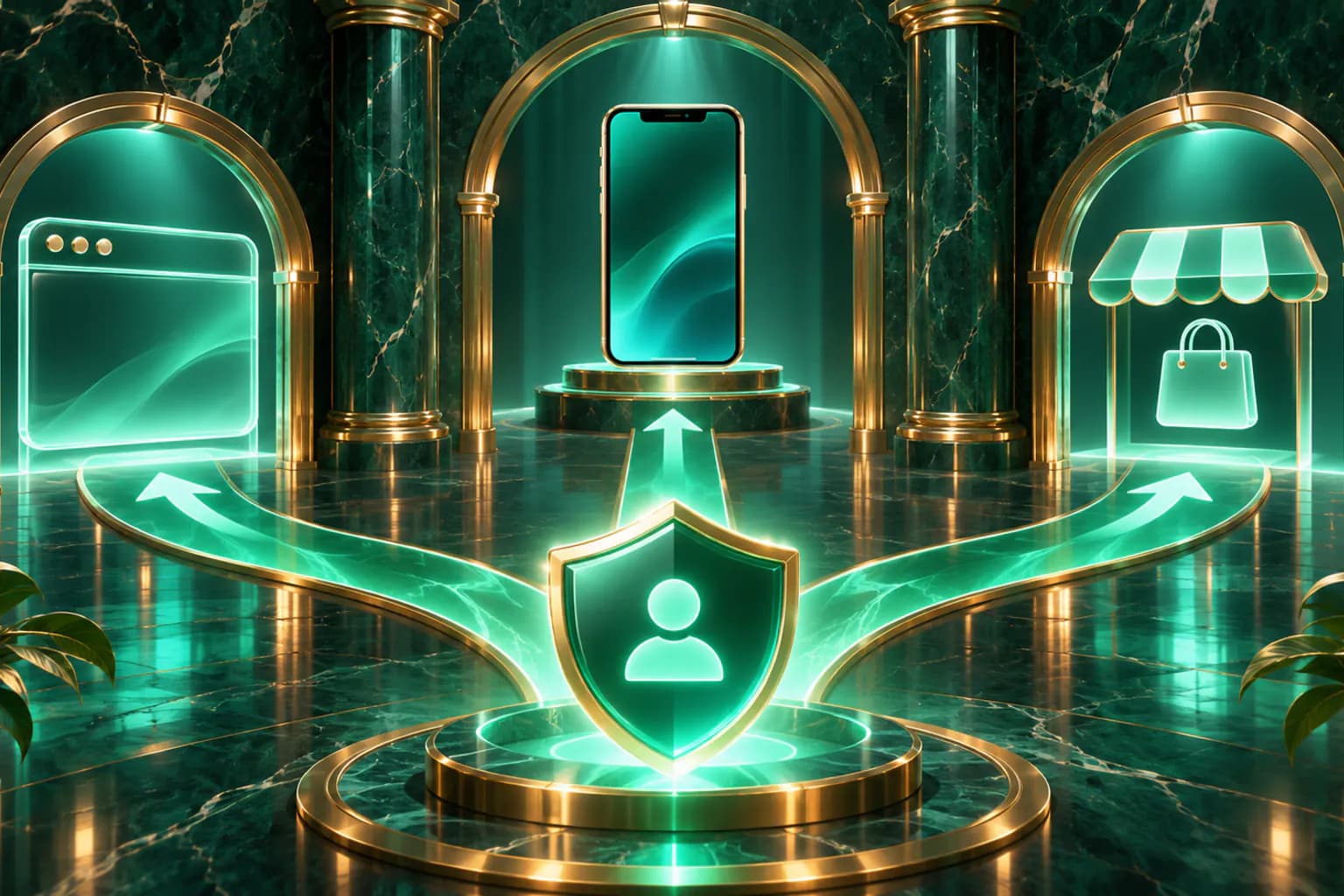
Use the billing platform shown on your receipt: ChatGPT billing for a web purchase, Apple settings for an App Store purchase, or Google Play for an Android purchase.
| Where you bought Plus | Where to cancel | What confirms success |
|---|---|---|
| chatgpt.com | ChatGPT → Settings → Billing → Cancel plan | Billing no longer shows a future web renewal |
| Apple App Store | iPhone or iPad → Settings → Apple Account → Subscriptions → ChatGPT | Apple shows an expiration date instead of a next renewal |
| Google Play | Play Store → Payments & subscriptions → Subscriptions → ChatGPT | Google Play confirms cancellation and removes the next charge |
| Self-service Business | Workspace settings → Billing → Manage plan | The workspace displays no scheduled renewal |
How do you cancel ChatGPT Plus bought on the web?
Sign in to the ChatGPT account that paid, open Settings and Billing, then select the cancellation option shown for the active plan.
If the billing controls are missing or the page fails to load, sign in again in another supported browser before changing anything else. A different account can have a different billing inventory even when it is signed in on the same computer.
A web subscription will not appear in Apple or Google subscription settings. Looking only in the app-store menus can make a valid web plan seem impossible to cancel.
Deleting the ChatGPT account is not the normal cancellation control. OpenAI says account deletion cancels subscriptions billed directly by ChatGPT, but it also deletes account access and history. If the goal is only to stop a renewal, cancel the plan and keep the account unless deletion is intentional.
- 1Open chatgpt.com directly and sign in to the account associated with the charge.
- 2Open the account menu and select Settings.
- 3Select Billing and review the active plan and next billing date.
- 4Choose Cancel plan and complete any confirmation screen.
- 5Reopen Billing and verify that no future renewal remains.
How do you cancel ChatGPT Plus bought through Apple?
Cancel through the Apple Account used for the App Store purchase; the ChatGPT website and OpenAI Support cannot directly manage that Apple renewal.
If Cancel Subscription is unavailable and Apple shows an expiration date, the plan may already be canceled. Do not buy another subscription merely because the ChatGPT app has signed out or the plan temporarily appears inactive.
Apple subscriptions can belong to a different Apple Account from the one currently signed in to the device. Check the receipt and the Apple Account that originally bought the app subscription.
Uninstalling ChatGPT does not cancel the Apple renewal. Removing the payment method is also not a reliable cancellation method and can complicate account recovery or other Apple purchases.
- 1Open Settings on the iPhone or iPad used for the purchase.
- 2Tap your name at the top of Settings.
- 3Open Subscriptions and select ChatGPT.
- 4Tap Cancel Subscription and confirm the action.
- 5Return to the subscription page and confirm that an expiration date is shown.
How do you cancel ChatGPT Plus bought through Google Play?
Sign in to the Google account that purchased the subscription, then cancel it from the Play Store app or the Google Play subscriptions website.
If the subscription is missing, check every Google account available on the device. A purchase can belong to a work, school or older personal account even when ChatGPT itself is signed in with another email.
On the Google Play website, the equivalent path is the subscriptions page shown for the account that owns the purchase. Use the same Google account as the receipt.
Deleting the Android app or signing out of ChatGPT does not cancel the Google Play subscription. The cancellation must be recorded in Google Play.
- 1Open the Play Store and verify the active Google account.
- 2Open Payments & subscriptions, then Subscriptions.
- 3Select ChatGPT and choose Cancel subscription.
- 4Follow the confirmation prompts and select a reason if requested.
- 5Check that Google Play no longer shows a scheduled next payment.
What happens to Plus access after cancellation?
After an ordinary cancellation, paid features normally remain available until the end of the current paid billing period.
Cancellation and refund are different actions. Cancellation stops the next renewal; it does not automatically reverse the charge for the period already purchased. A refund, if approved, can end access earlier depending on the applicable policy and law.
Check the effective date shown by the billing platform. On Apple, look for an expiration date after cancelling. On Google Play, review the current subscription details. On the web, return to ChatGPT billing and confirm that the plan is no longer scheduled to renew.
OpenAI recommends cancelling at least 24 hours before the next billing date. A later cancellation can still succeed, but the next renewal may already be processing and will require a separate refund review if it posts.
Write down the exact cancellation time and keep the confirmation. A later dispute is much easier to understand when you can compare the cancellation timestamp with the renewal timestamp and the platform's displayed effective date. A screenshot of the current paid plan alone is less useful because it does not show whether auto-renewal was turned off.
If you cancel during a free promotion, trial or discounted first period, inspect the checkout terms shown for that offer. The end date and first paid renewal can differ from a standard monthly purchase. The billing platform's subscription record remains the source of truth for the actual date and amount.
Can you cancel if you cannot sign in to the ChatGPT account?
For web billing, contact OpenAI Support with the account or billing email and limited billing evidence; for Apple or Google billing, recover the store account that owns the subscription.
OpenAI's cancellation support route can help when the subscription is billed directly by ChatGPT and the original email is no longer accessible. Support may request the email linked to the subscription or billing email plus two limited billing facts, such as the card's last four digits, card expiration date, billing address or recent charge dates.
Never send a complete card number, password, one-time code or recovery code. Financial evidence should be limited to what is necessary to locate the subscription.
If the purchase belongs to Apple or Google Play, recover the store account first. OpenAI cannot cancel an Apple Account or Google account, and deleting the ChatGPT account does not remove a store-managed subscription.
Prepare a concise support message containing the requested account or billing email, plan name, charge date, renewal date, country and the exact cancellation problem. Include only two of the limited billing identifiers OpenAI requests rather than sending a statement, card image or complete account credentials.
If the subscription was already cancelled and the problem is only a previous charge, do not use the account-recovery cancellation route as a refund request. Keep cancellation and refund as two separate support outcomes so the sequence of events remains clear.
How do you confirm the cancellation actually worked?
Reopen the same billing record after cancelling and verify that the next renewal is gone, while keeping the confirmation or screenshot for your records.
- 1Return to the platform that owned the subscription, not a different device or store.
- 2Confirm the plan still shows the expected paid-until date.
- 3Check that no next charge or renewal date remains.
- 4Save the confirmation email, receipt or screenshot without exposing payment credentials.
- 5If a charge appears later, compare its date with the cancellation confirmation before requesting a refund.
What is the safest final cancellation checklist?
Use the original billing owner, cancel auto-renewal there, verify the end date, and keep proof before considering account deletion or a new payment route.
The safest stopping point is a documented billing state: the intended plan is either active with a known renewal or inactive with a known end date, and every other account has been checked for an overlapping purchase. If that state is still unclear, resolve it before changing payment methods or buying another month.
A one-time direct top-up does not create an Apple, Google or OpenAI auto-renewal. It can be useful after the recurring subscription is fully understood, but it should not be used to compensate for an unresolved cancellation because a second purchase can make reconciliation harder.
- Match the receipt to ChatGPT web, Apple or Google Play.
- Cancel from the exact account that made the purchase.
- Do not use app deletion, card removal or a second subscription as a substitute.
- Confirm that the next renewal is gone.
- Handle any refund separately from the cancellation.
- Use a direct top-up only after the existing subscription and billing state are understood.
Live plans
Check current prices and availability
We never hard-code prices in articles. Open a plan page for live availability; a sold-out plan cannot be ordered.
See every planPricing:ChatGPT Plus Price: Monthly Direct Top-Up Cost
Related pages
These pages read prices and availability live from the product database — use them as the buying entry point for this article.
Sources and review scope
Plans and features change. The official sources below were checked on the last update date; open them for the current version before buying.
- 1. ChatGPT|Plans and pricing ↗
Official ChatGPT plan names and current consumer options for checking the account and active plan.
- 2. OpenAI Help Center|Canceling your ChatGPT subscription ↗
Official web, Apple, Google Play and Business cancellation steps, renewal timing, account deletion and missing-subscription troubleshooting.
- 3. OpenAI Help Center|Managing ChatGPT and API billing ↗
Official instructions for locating ChatGPT billing settings, subscription records and invoice history.
- 4. OpenAI Help Center|Avoid duplicate ChatGPT subscriptions ↗
Official explanation of separate platform billing, failed Apple renewals, duplicate charges and safe channel switching.
- 5. Apple Support|Cancel a subscription from Apple ↗
Official Apple subscription settings, cancellation and renewal controls.
- 6. Google Play Help|Cancel or change a subscription ↗
Official Google Play subscription cancellation, renewal and account guidance.
FAQ
Does deleting the ChatGPT app cancel Plus?
No. Deleting the app does not cancel an Apple or Google Play subscription. Cancel through the store that owns the billing.
Does cancellation automatically refund my latest ChatGPT charge?
No. Cancellation stops future renewals. Refund eligibility is assessed separately based on the charge, purchase channel, use and applicable regional rights.
When does ChatGPT Plus access end after cancellation?
For an ordinary cancellation, paid access normally remains until the end of the current paid period. A granted refund can shorten access according to the applicable policy.
Can I cancel on the ChatGPT website if I paid through Apple?
No. The web billing page does not manage an Apple subscription. Cancel through Apple subscription settings.
Why can't I find my Google Play subscription?
Check every Google account used on the device. The purchase belongs to the Google account shown on the original receipt or Play order.
Should I delete my ChatGPT account to stop the subscription?
Use the billing cancellation control if you only want to stop renewal. Account deletion removes the account and does not cancel an Apple subscription, so it should be treated as a separate decision.